How to use it
Six steps. About a minute.
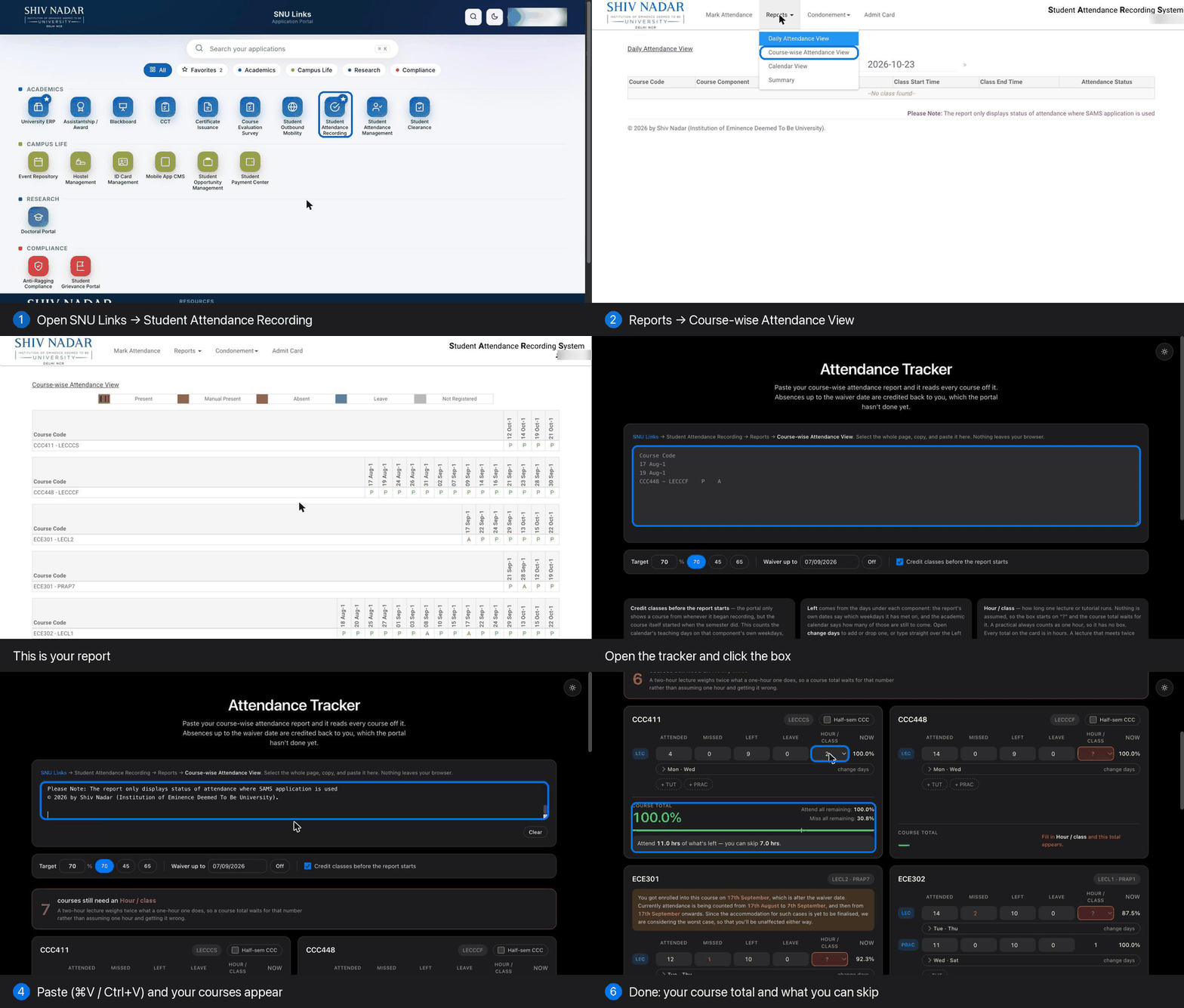
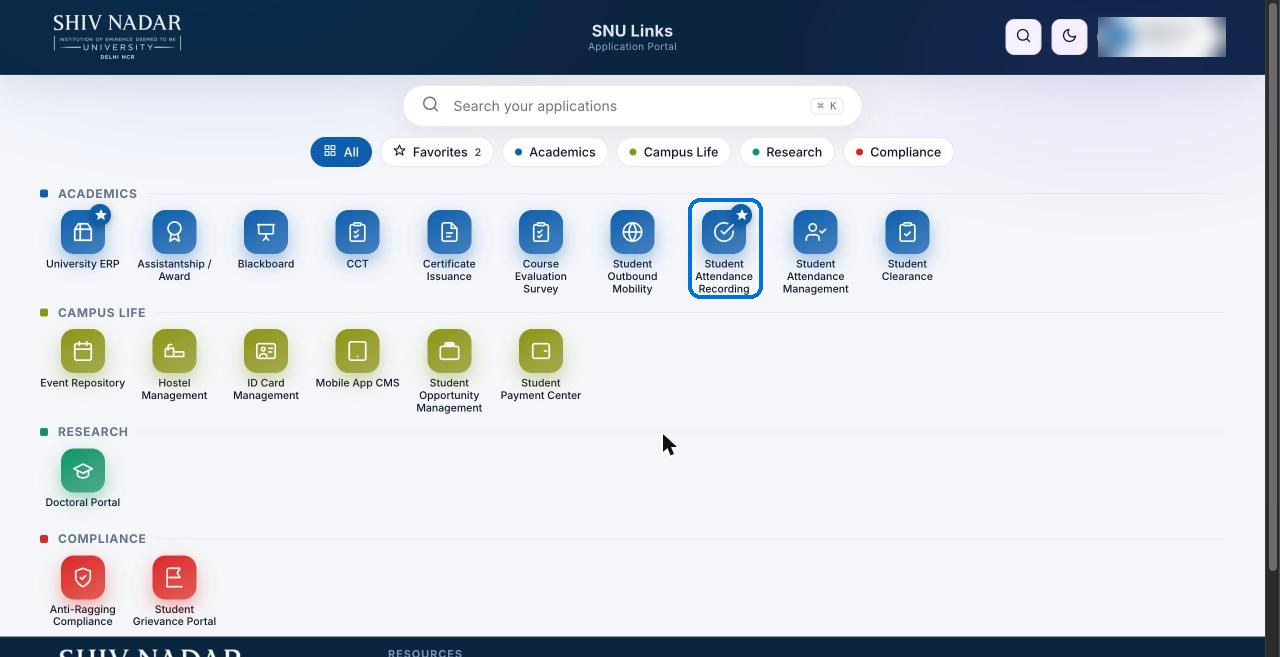
1Open SNU Links and click Student Attendance Recording.
2Reports → Course-wise Attendance View.

3Select the whole page (⌘A / Ctrl+A) and copy (⌘C / Ctrl+C).
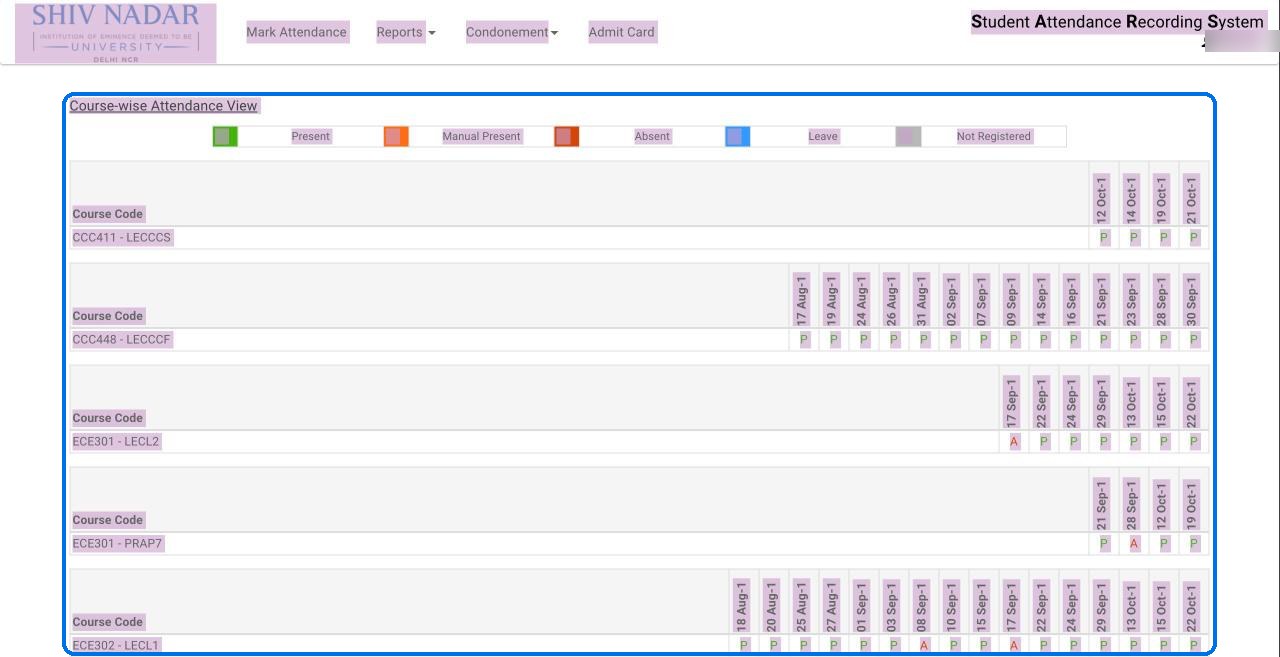
4Paste it into the tracker. Your courses appear.
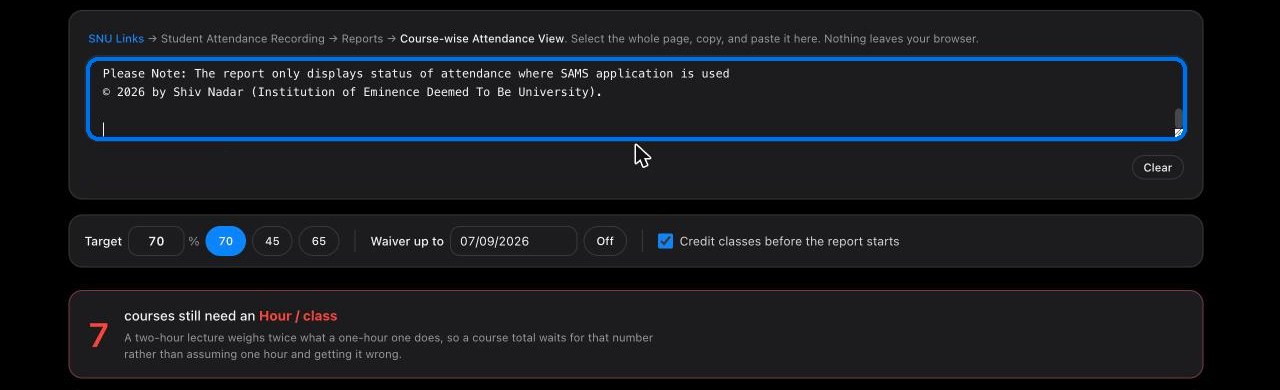
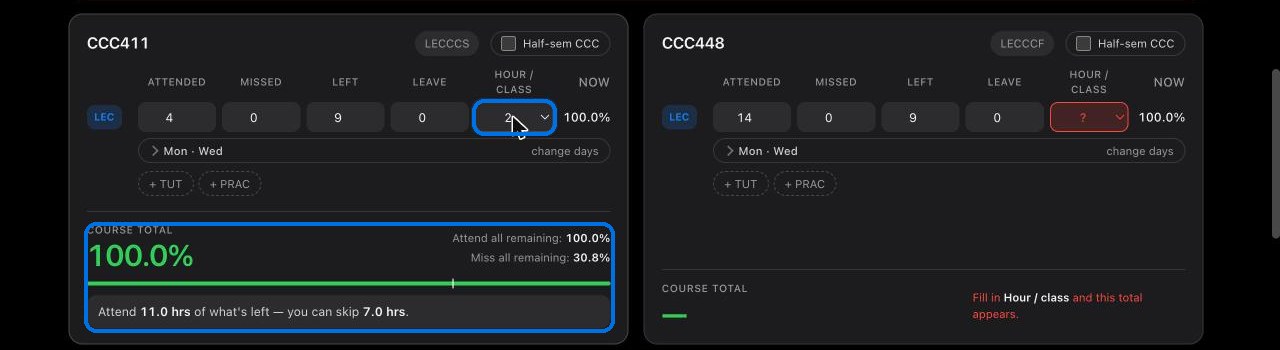
5Set Hour / class for each course — how long one class runs, off your timetable.
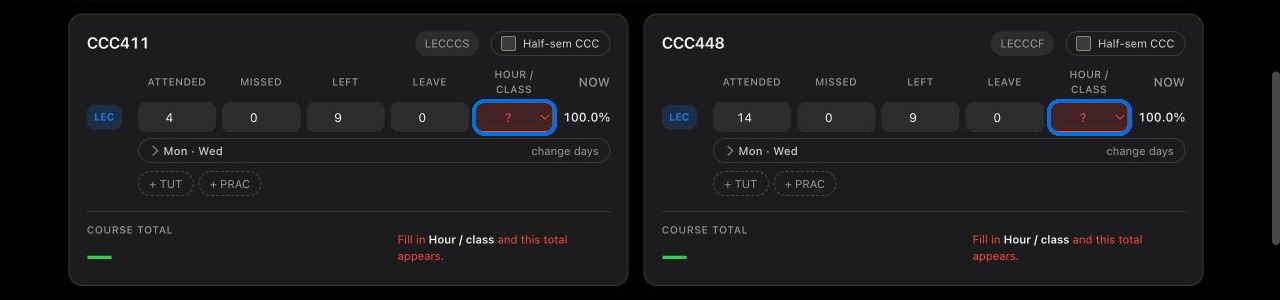
6Read your total, and how many hours you can still skip.